| The green upload button opens an area where files can be uploaded centrally in Continux. New features are being added step by step. | |
| |
| Right next to the upload icon is the Upload History button. |   |
| The Upload History shows which uploads have been performed and whether they were successfully processed. | 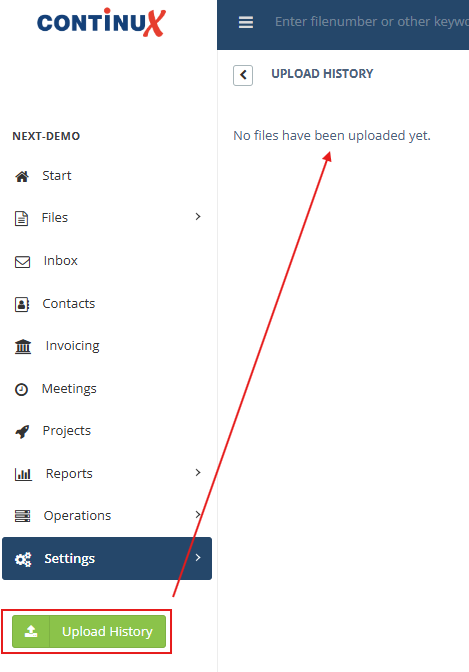 |
| Functions of the green area | |
1. Upload costs to files (CSV import)
| |
2. Store any files to a case
| |
War dieser Artikel hilfreich?
Das ist großartig!
Vielen Dank für das Feedback
Leider konnten wir nicht helfen
Vielen Dank für das Feedback
Feedback gesendet
Wir wissen Ihre Bemühungen zu schätzen und werden versuchen, den Artikel zu korrigieren