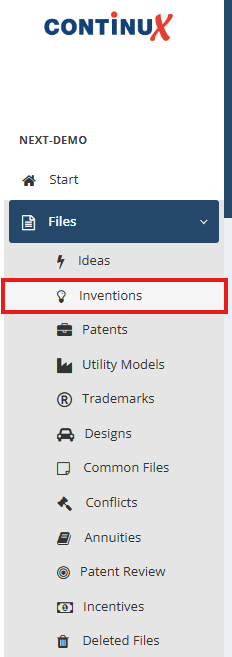
You can create a patent application directly from an invention disclosure. This process automatically links both files within the IP portfolio and ensures clean documentation in the family tree. Workflow: Create a patent application from an invention 1. Go to Files → Inventions and open the relevant invention disclosure. | |
 | |
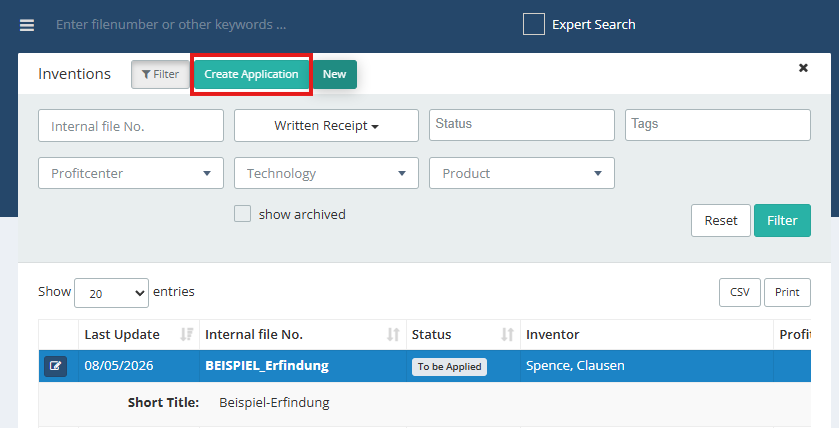
2. Click the green Create application button. | |
| |
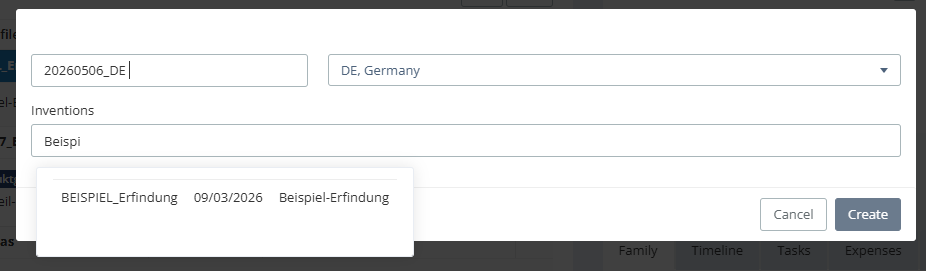
3. A dialogue window for creating the patent file opens:
| |
| |
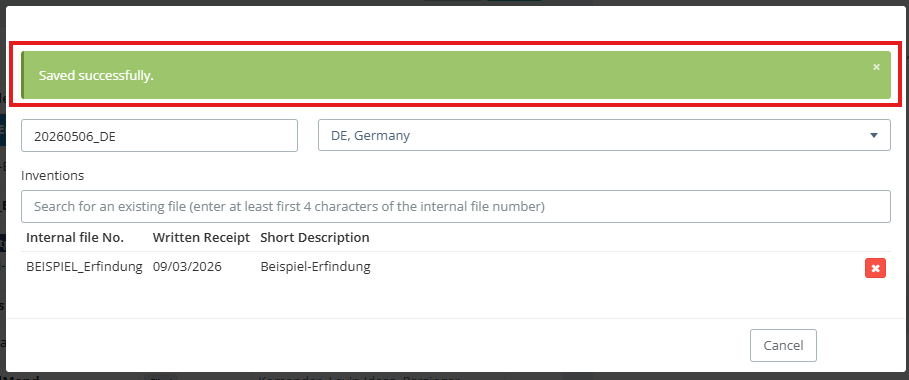
4. Click the blue Create button. 5. A green bar confirms: Saved successfully. | |
 | |
Result of the linking | |
You can now find the new patent file under Files → Patents. | 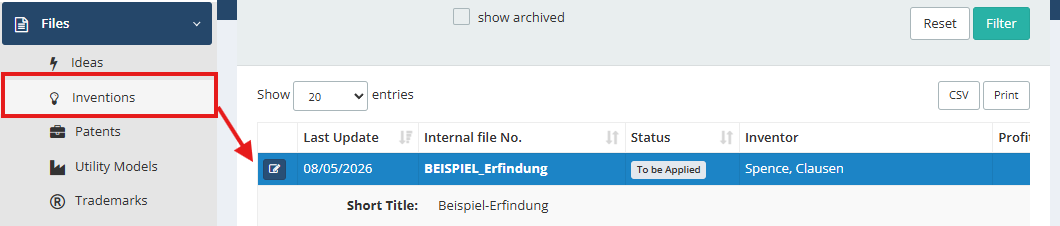 |
In the family tree, the invention and the patent are now automatically linked. The status of the invention disclosure changes to To be Applied. Title and inventors, if entered in the invention disclosure, are carried over and can be edited further if required. Note: Carrying over documents from the invention disclosure to the patent application is not предусмотрed in this workflow. | 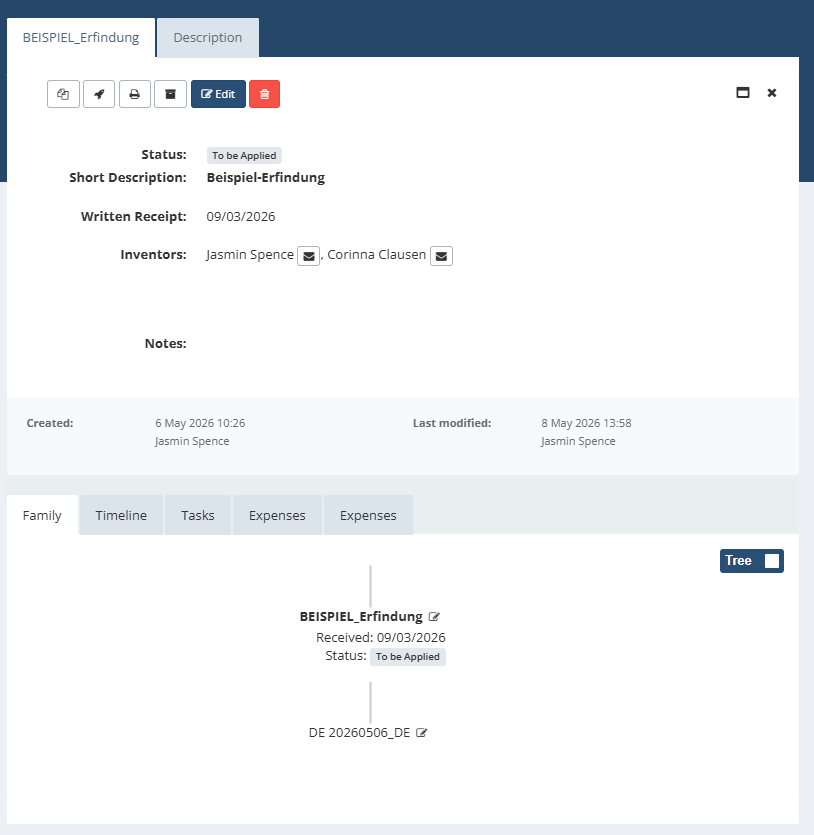 |
Further articles | |
War dieser Artikel hilfreich?
Das ist großartig!
Vielen Dank für das Feedback
Leider konnten wir nicht helfen
Vielen Dank für das Feedback
Feedback gesendet
Wir wissen Ihre Bemühungen zu schätzen und werden versuchen, den Artikel zu korrigieren